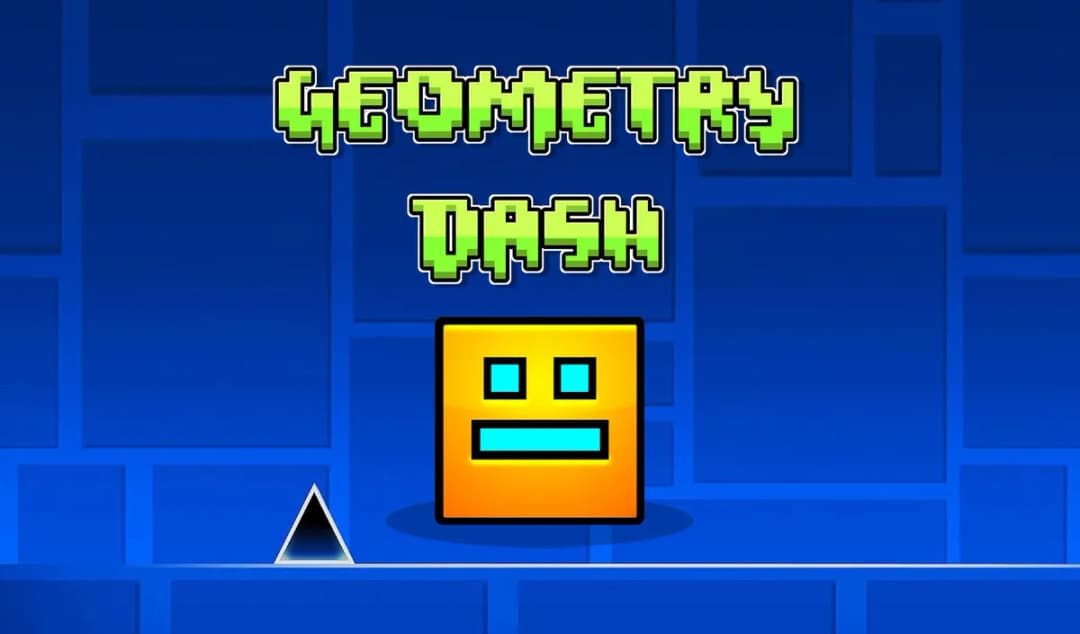
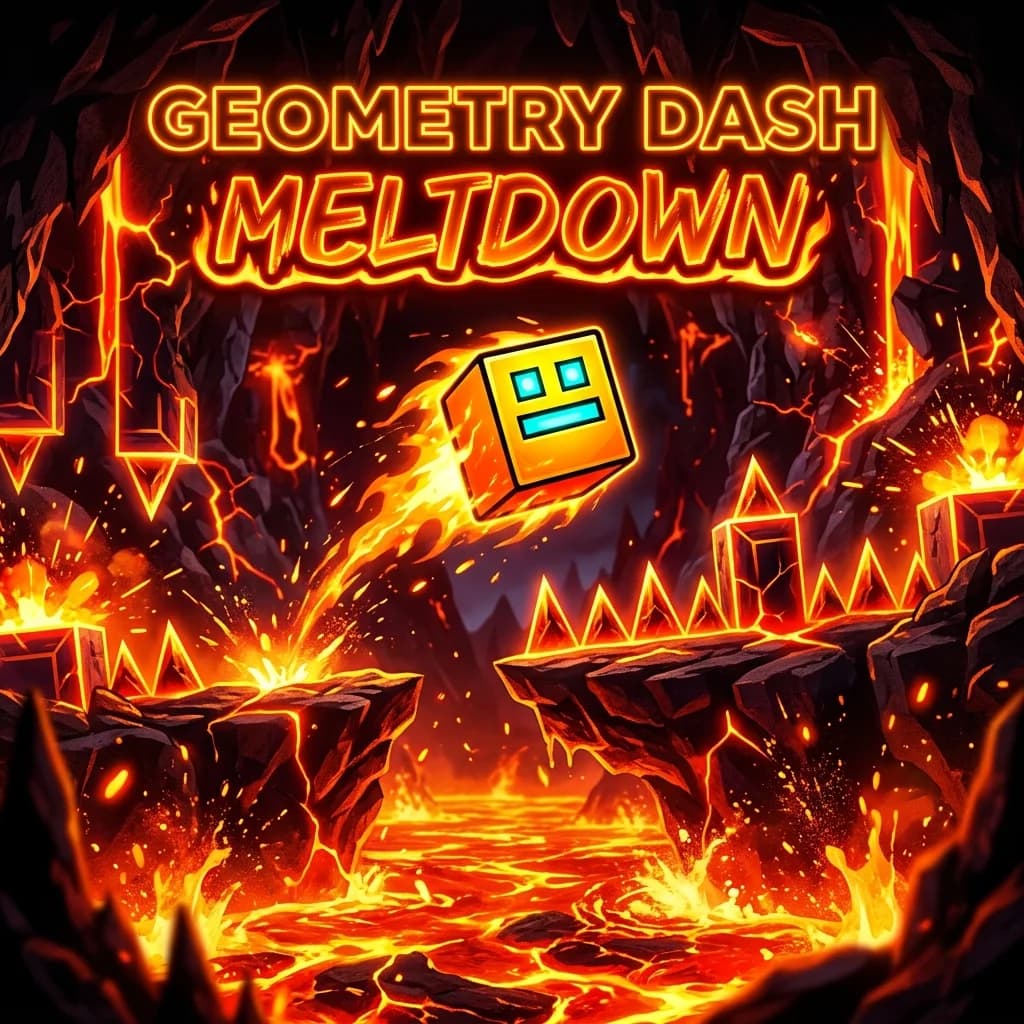
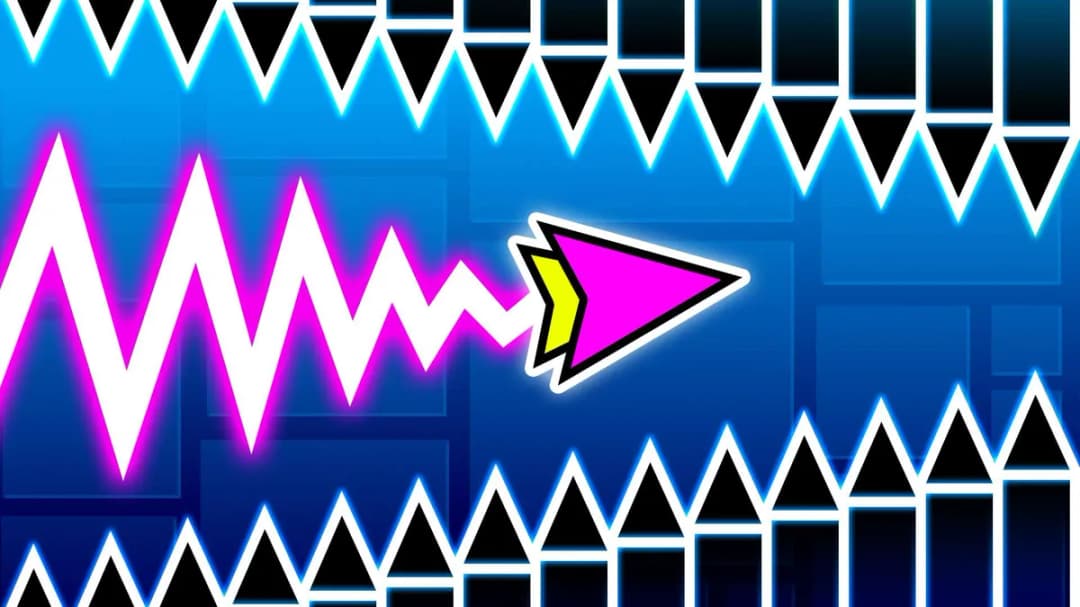
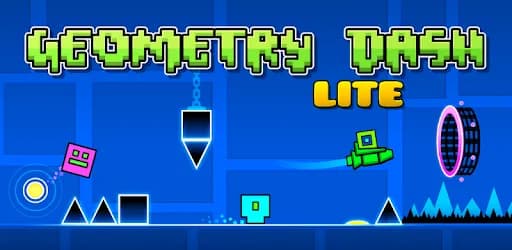
Welcome to Geometry Dash Lite, the ultimate browser-based precision platformer! If you love fast-paced rhythm, pulse-pounding electronic beats, and near-impossible obstacles, this game is built for you. Guide your neon square or flying ship through a series of intense, hazard-filled tracks. In Geometry Dash Lite, every jump, flip, and flight transition is perfectly synchronized to an incredible electronic soundtrack, turning timing and reflex into a beautiful art form. Best of all, you can play it here for free with zero downloads, no installation, and no sign-ups!
What is Geometry Dash Lite?
Geometry Dash Lite is a legendary minimalist game developed by RobTop Games. It challenges players to navigate highly creative levels loaded with spikes, sawblades, moving platforms, and sudden portals that change gravity, orientation, or vehicle type (such as turning your cube into a spaceship or a gravity ball). It stands out as one of the most popular rhythm games ever created, demanding absolute focus and perfect muscle memory.
Core Gameplay & Mechanics
Your character automatically slides forward at high speed. The objective is to jump, fly, or flip at the exact millisecond required to avoid instant destruction. A single scratch or collision with a hazard will immediately vaporize your character, forcing you to restart from the beginning of the level! This "trial and error" dynamic is extremely addictive and satisfying when you finally achieve a 100% completion rate.
The levels feature unique gameplay elements including jump pads (which propel you into the air), jump rings (which you can activate mid-air), and gravity portals (which flip your orientation upside-down).
Complete Controls Guide
Whether you are playing on a PC, Chromebook, or mobile device, the controls are responsive and easy to learn, but require practice to master:
Desktop Controls (Keyboard & Mouse):
- Jump / Fly Upwards: Press the Spacebar, the Up Arrow Key (W), or Left-Click the Mouse.
- Continuous Jumping: Hold down the Spacebar, Up Arrow, or Mouse button to continuously bounce over consecutive platform blocks.
- Pause: Press the P or Esc key to pause the game and access options.
Mobile & Tablet Controls:
- Jump / Fly Upwards: Tap anywhere on the screen.
- Continuous Jumping: Tap and hold your finger on the screen.
Pro Tips & Strategies for Success
- Synchronize with the Music: The layout of the spikes and platforms matches the rhythm of the soundtrack. Listening carefully to the beat will help you anticipate exactly when to press the button.
- Use Practice Mode Wisely: Normal Mode requires completing the level without a single mistake. Practice Mode allows you to place custom green checkpoints along the way, so you can practice difficult sequences without returning to the very beginning.
- Do Not Panic: Precision games require calm nerves. If you get stuck on a level, take a short break or switch to Practice Mode to memorize the patterns.
- Watch Ahead: Try not to focus solely on your character. Look slightly to the right side of the screen to spot upcoming hazards early.
Key Features
- Instant Free Browser Play: No download, no install, no signup. Start playing in one click on any device!
- Incredible Rhythm Soundtracks: Enjoy high-energy electronic music tracks by talented artists like Waterflame, DJVI, and ForeverBound.
- Multiple Interactive Vehicles: Navigate stages as a Cube, a flying Ship, a gravity-flipping Ball, or an agile UFO!
- Dynamic Practice Mode: Improve your skills using checkpoints and step-by-step training.
- Beautiful Neon Design: Experience gorgeous retro-modern visual effects that flash and shift color along with the audio beats.
Technical Details & Requirements
- System Requirements: Any modern browser (Google Chrome, Mozilla Firefox, Safari, Microsoft Edge, Opera) with WebGL support.
- Developer: RobTop Games
- Technology: HTML5 / WebGL
- Platforms: Desktop PC, Laptop, Chromebook, Tablet, and Mobile (Android, iOS).
- Safe for Everyone: Ad-free gameplay experience suitable for all ages.
Frequently Asked Questions (FAQ)
Is Geometry Dash Lite completely free to play?
Yes! This web version is 100% free to play directly in your web browser with no hidden costs, payments, or registration.
Does it work on school Chromebooks?
Yes, this HTML5-based version is lightweight and optimized to run unblocked on school, university, or office networks.
How is the Lite version different from the full game?
The Lite version offers a curated selection of official main levels, perfect for browser play. The full version includes additional levels, cosmetic achievements, and a custom level editor.
Do I need to download an APK to play on Android?
No downloads are necessary. You can play directly inside your mobile browser, although app store download links are available for offline play.